The audit tool: what it does
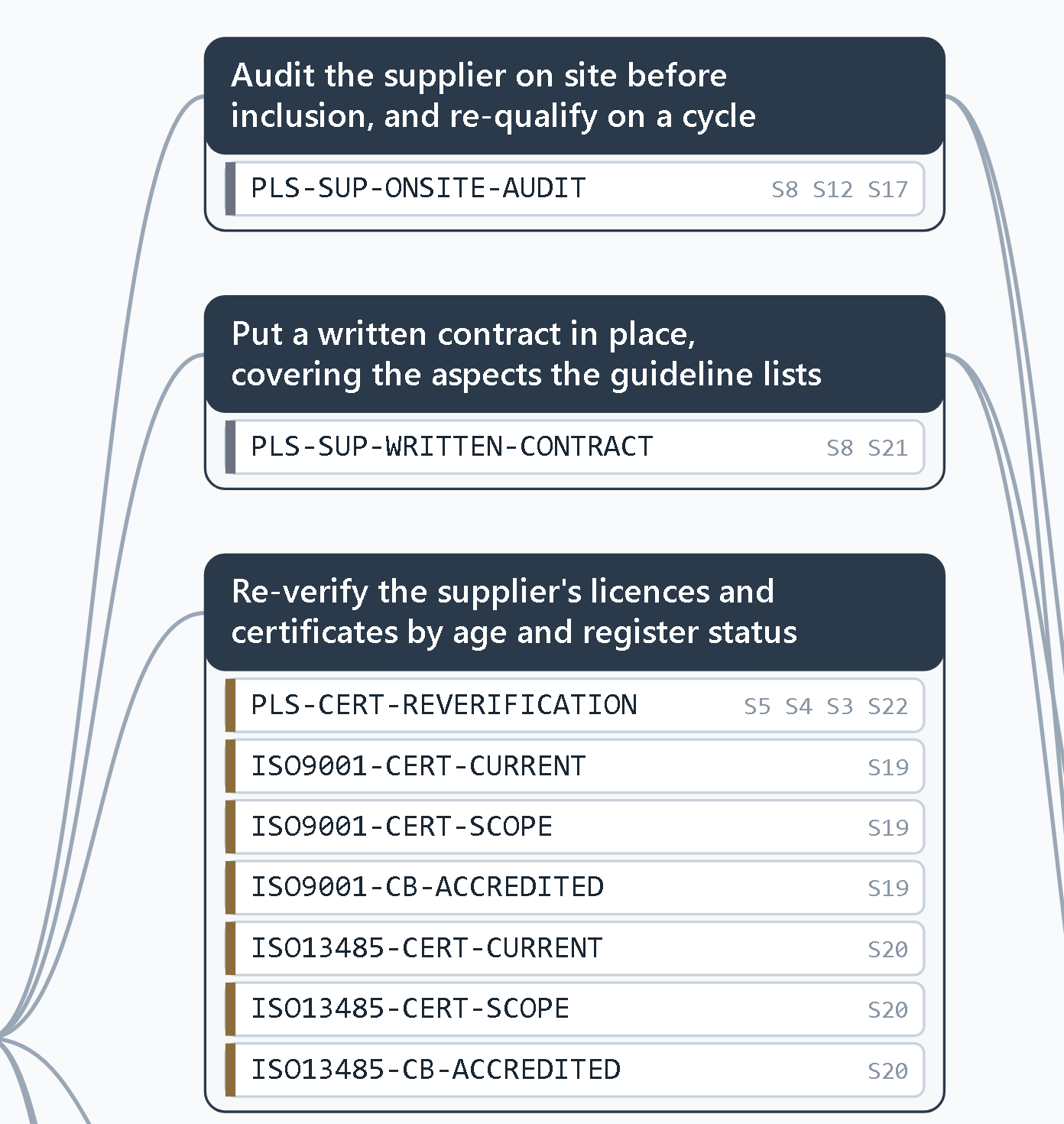
On screen its name is Leveret Evaluator. Import the documents an audit rests on. The tool turns them into rules, each citing the document and clause it rests on. Import the evidence in bulk. It reports what the evidence shows, what is missing and what to fetch next, in your own report format.
- £49 a month including VAT. One seat, one person. Cancel any time.
- Free trial: fourteen days, no card
What the Leveret Evaluator does for an audit
- Report written in your own template and headings, as Word or PDF
- Every rule cites its document and clause
- Audit rests only on the standards you tick
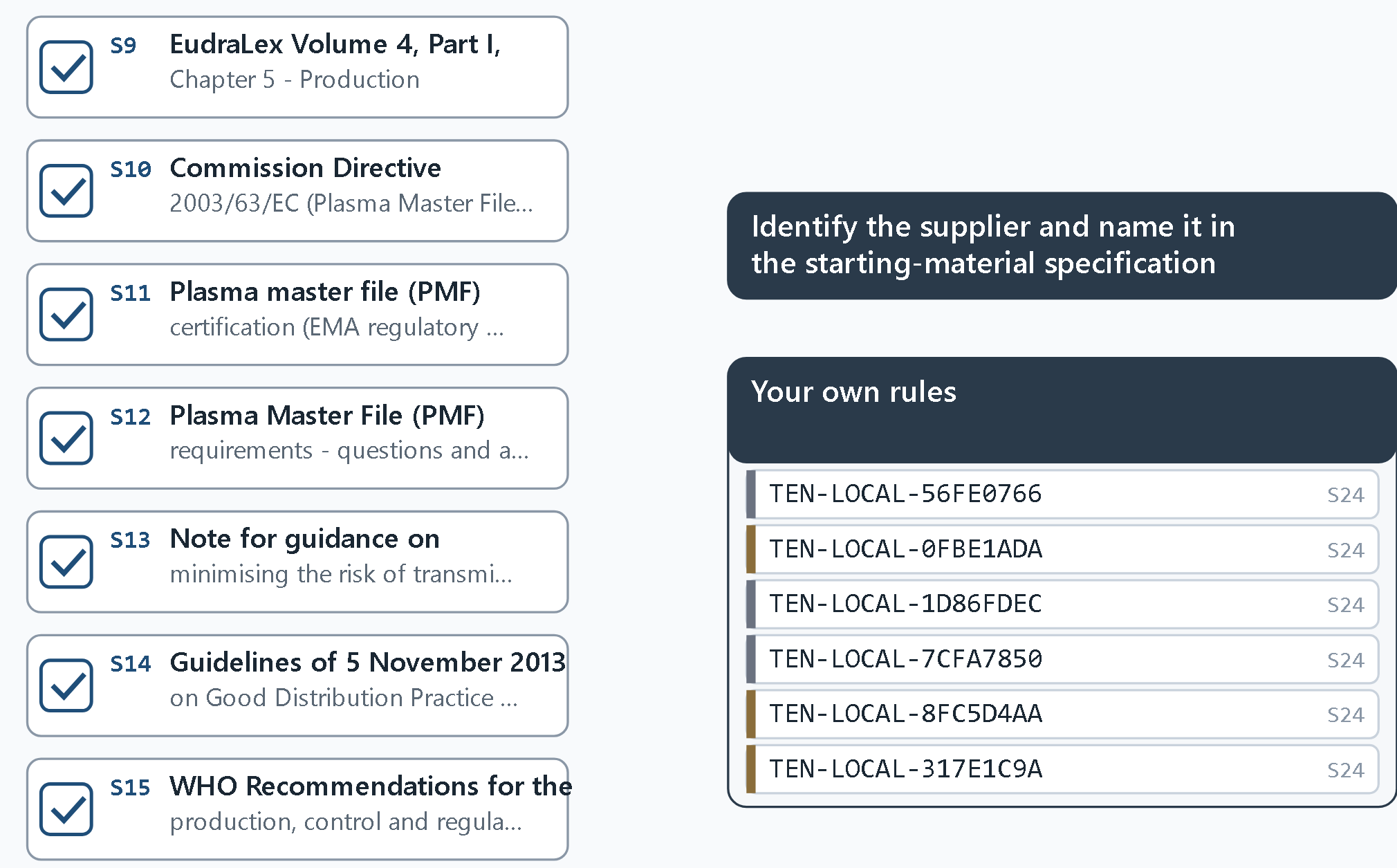
- Your own procedures and plans become rules under your name
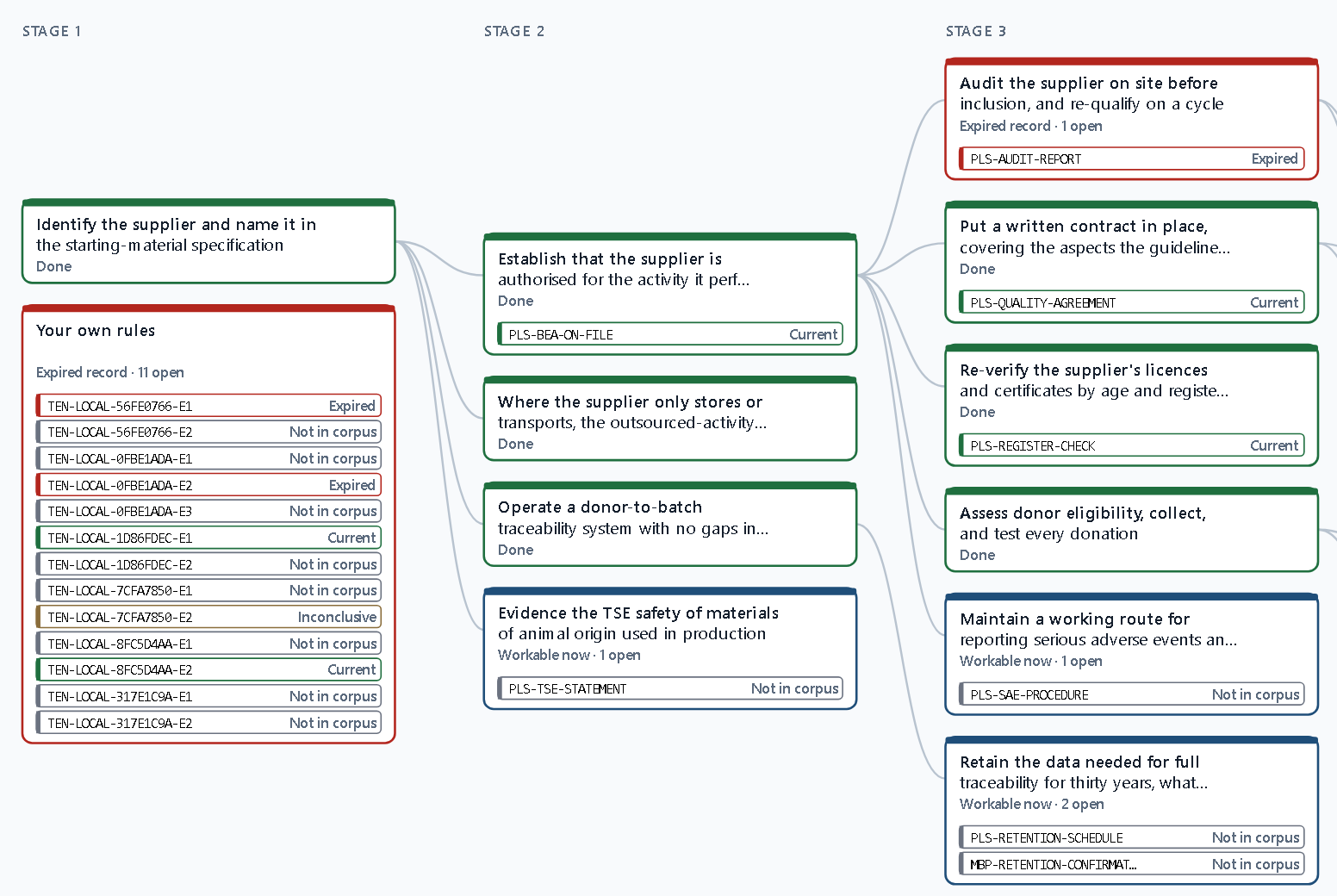
- The order to work the audit in, set before any evidence is read
- Scans and phone photographs read, every page, and filed automatically against the rules they speak to
- Gaps list names which folder to fetch next
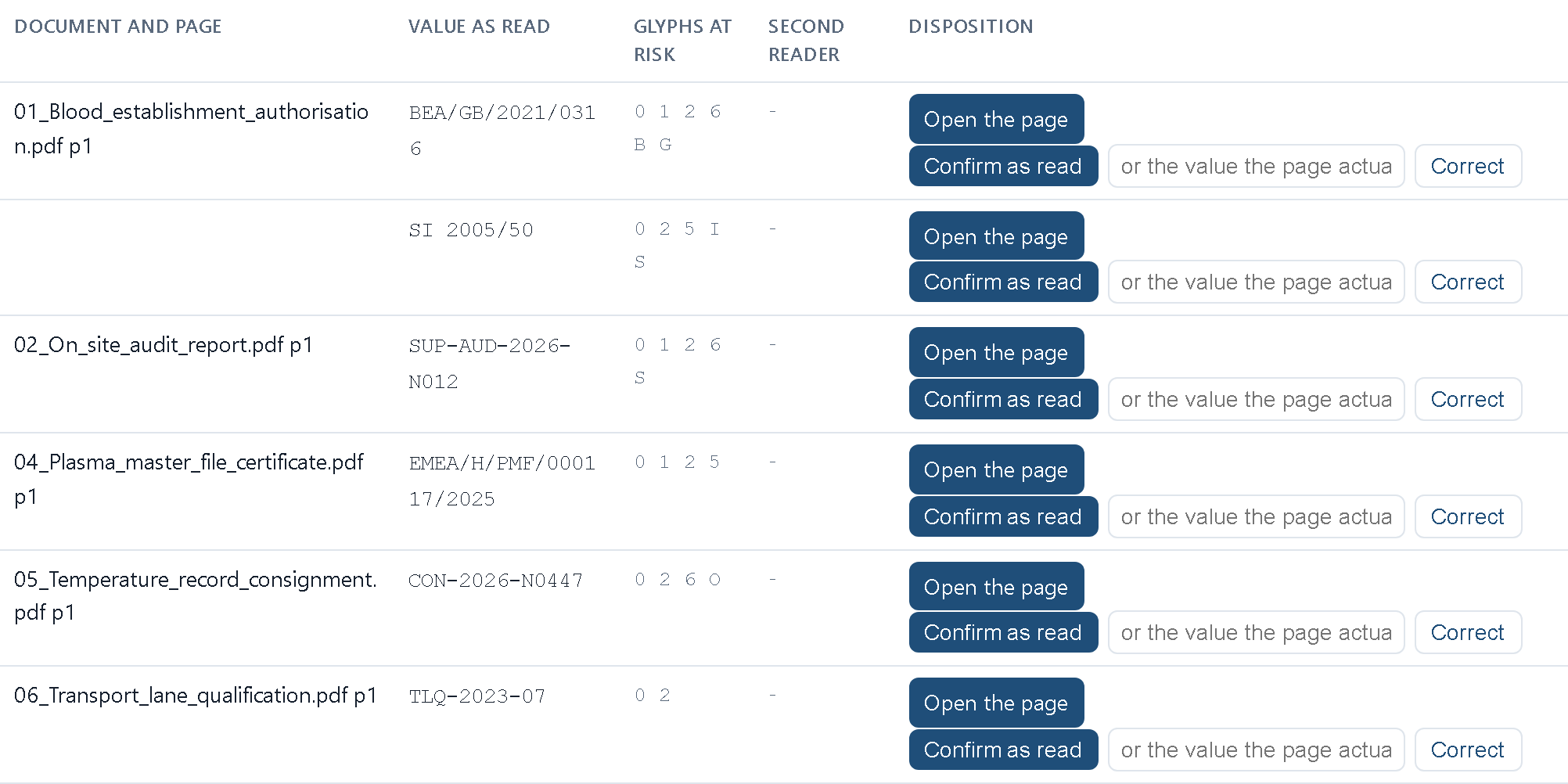
- Scanned values ringed on the page image for a person to confirm
- Documents never leave the service by default and are never used for training
- Sign in from any browser, nothing to install
Free trial
Fourteen days, no card. Company e-mail addresses only. Up to three people from one firm share one trial.
- When the trial ends, what you built stays readable. To carry on, take a seat at £49 a month including VAT.
Price and terms
One seat is one person, £49 a month including VAT, paid by card through Stripe. No minimum term. Cancel any time from the billing page; the seat stays open to the end of the period already paid for. When a seat lapses nothing you filed is removed and everything stays readable.
- No human support at this price. The product carries its own help page, How it works.
- Fair use: a seat is priced for one person's own work. If a seat is used far beyond that, Leveret raises it with you first; it is never cut off without warning.
- Terms: read the terms
What the documents can be
The rules are built from the documents you choose.
- A sector pack: a ready-made set of public documents for one sector. Packs exist for plasma and blood-product supply, medical devices, pressure equipment and aircraft seating, plus a general pack.
- Your own procedures and plans
- A public standard the tool downloads when you name it
The seven steps
Every assessment shows the seven steps as a strip across the top of the screen.
- Report format. Upload your report template once; every report is written in your headings.
- Documents. Tick or untick what the audit is built on, as a map or a list. Add your own documents. Save under your name.
- Rules. The rule map: every rule as it will be applied, and which document it rests on. Check it and record that you have.
- Critical path. The audit step by step before any evidence is read: the first focus, what can be left to last.
- Evidence. Upload scanned PDFs or capture pages with a phone. Every page is read. Each document is filed against the rules it speaks to.
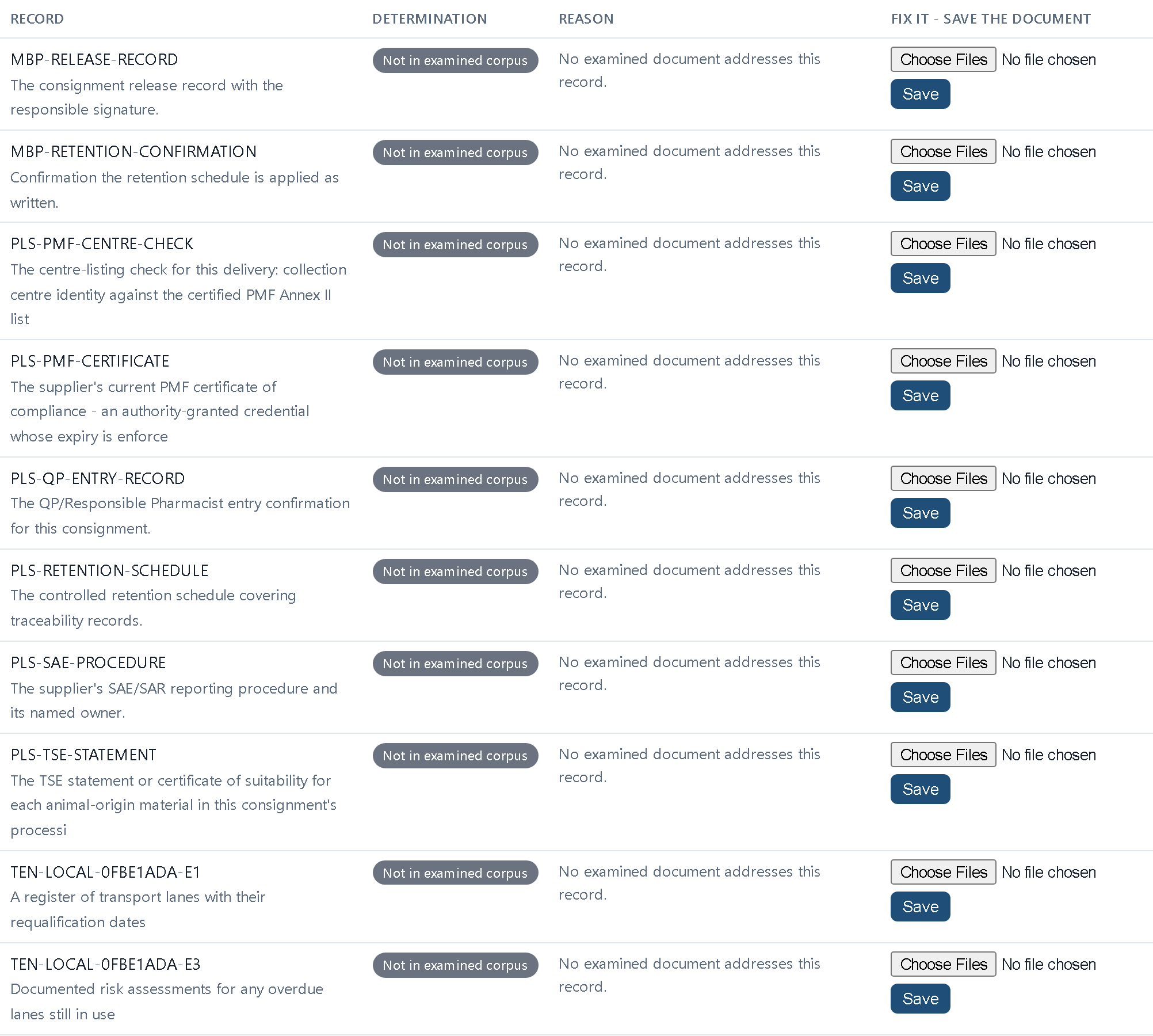
- Gaps. What could not be assessed, which required records no document covered, and the values that must be checked against the page image. Fetch those folders, scan them, run again.
- Report. Word in your format or PDF: what the documents show, what could not be decided, which documents were set aside, and your notes.
Who it is for
Anyone who has to check a body of evidence against a governing document. That includes quality managers, compliance officers, internal and supplier auditors, and anyone checking what their firm does against its own procedures and plans.
What it is not
It is not an audit. It issues no nonconformities and it signs nothing off. Every disposition, the decision on each finding, is a named person's.
- A value read from a scan is a machine's reading of a copy. It is flagged for a person to confirm against the page image.
- Licensed standards such as ISO 9001 and ISO 13485 are never held or quoted by the tool. They are cited by designation and clause title only and read from your own licensed copy.
- The auditor selects which standards an audit rests on. None is assumed.
How scans are read and where documents are kept
Scanned pages are read by a reader inside the service by default. A cloud reader, Google Document AI in the EU, can be switched on for a customer whose scans read badly. Every report names which reader read each page.
- Documents are stored in an area isolated to your organisation.
- They are never used to train models.
- They can be deleted from the account page.
Team plan
A team plan for several people at one firm is priced after a conversation. See the team plan.